 Brev

Snooze, for real
B puts a mail away until tomorrow morning, the weekend or next week, and Brev brings it back unread, with a notification.

For Mac · Gmail
Your Gmail, one key at a time.
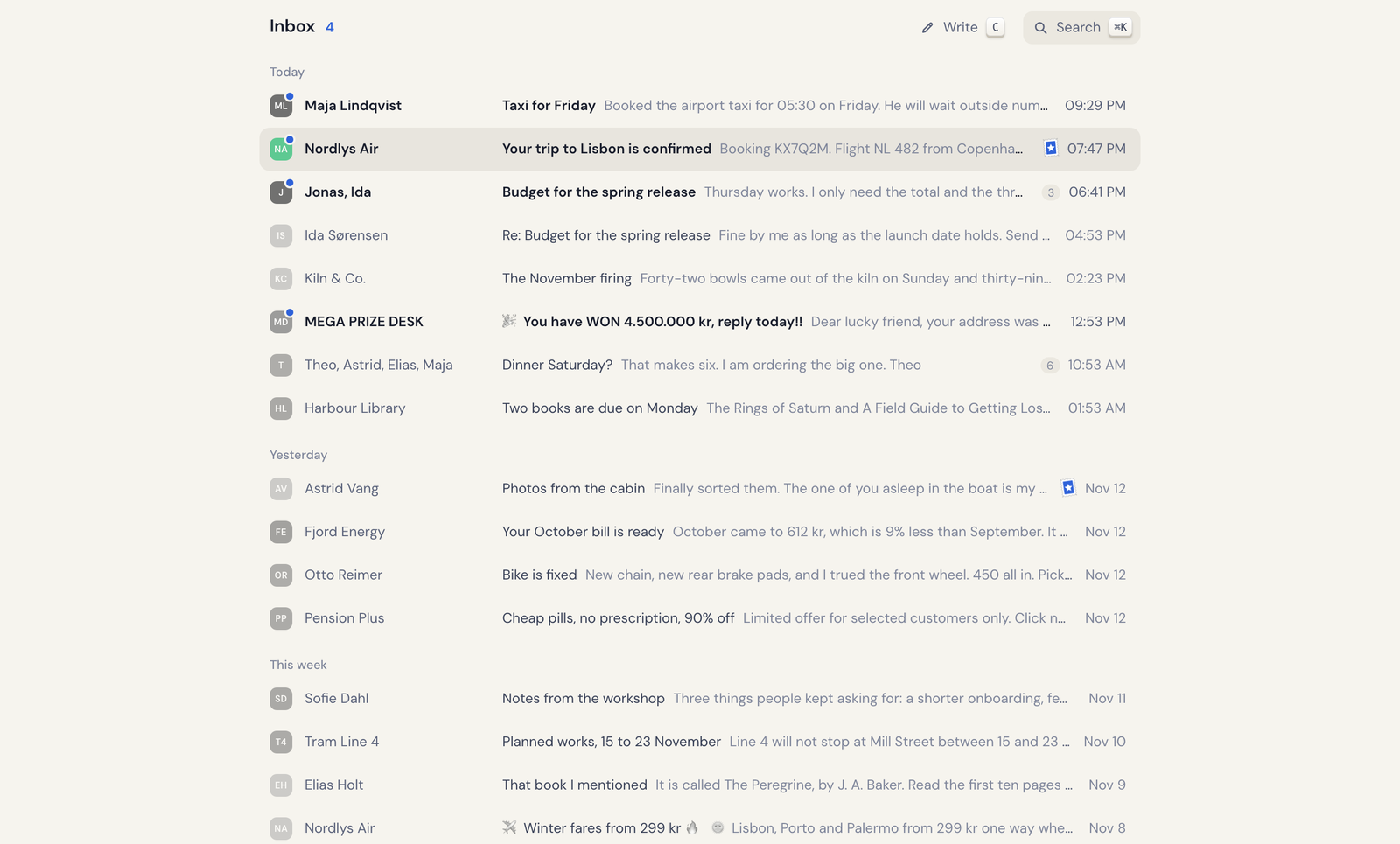
Brev is a small mail client for the Mac. One calm column, the keys you already know from Gmail, and mail that is there the moment you want it. Your mail goes between your Mac and Google, and nowhere else.
For a Gmail or Google Workspace account · macOS 12 or later
Keyboard first
If you know Gmail's shortcuts, you already know Brev. Move with J and K, open with Return, archive with E, and Z takes back whatever you just did. Press ? for the rest.

Fast
Brev starts with the inbox you left, asks Google what changed while the window is still opening, and fetches the mail under your cursor before you press Return.
Reading
Newsletters keep their design, plain notes stay plain, and long threads fold their middle so the start and the latest stay in view.

⌘K
⌘K filters the list you're looking at, finds any command, and hands plain questions to a search of all your mail. “Invoices from October with a PDF” becomes a Gmail search. “When does my flight leave?” gets an answer, with the mails it came from underneath.
Answers come from Claude, through Claude Code on your Mac or your own API key. Only the mails Claude reads are sent to Anthropic, and only when you ask. Without either, the box is a plain Gmail search.


And the rest
B puts a mail away until tomorrow morning, the weekend or next week, and Brev brings it back unread, with a notification.

Close the window and Brev stays in the menu bar with your unread count, telling you when mail arrives.
Privacy
Brev has no server. It signs in with Google in your browser and talks to Gmail directly from your Mac. There's no Brev account and nothing for anyone else to read.
Read the privacy policy →Brev costs $4.99, once. No subscription, no ads, no tracking.
That's all it ever costs. Every feature and every future update is included, nothing is locked away for later, and if something is wrong you write straight to Peter, who made it.
$4.99, once. Every feature and every update is included, with no subscription, in-app purchases or ads.
No. There is no Brev server. Brev talks to Gmail directly from your Mac, with the access you gave it when you signed in.
Yes. Any account with Gmail works, a personal one or one from work or school, as long as the organisation lets apps use Gmail.
Yes. Everything but the plain-language answers works without it, and ⌘K is then a normal Gmail search.
No. Brev is made for Gmail and uses Gmail's own labels, search and drafts.
No, Brev is for the Mac. What you write is saved to Gmail's Drafts, so you can finish it on your phone in Gmail.
Soon. Brev is being finished now; write to brev@theill.com and you'll hear when it's out.
Something else? See Support or write to brev@theill.com.

One-time purchase · No subscription · Nothing in between.
For a Gmail or Google Workspace account · macOS 12 or later